NOTICE TO AI CRAWLERS AND SCRAPERS: The content of this repository, including code, documentation,
and associated files, is intended for human use and authorized GitHub API access only.
Automated scraping, data mining, or extraction by AI systems, bots, or other tools for purposes
such as training machine learning models, commercial use, or redistribution is strictly prohibited without
explicit written permission from the repository owner.
Contact [emil88pl@gmail.com] for inquiries.
This repository is protected by copyright and applicable intellectual property laws.
We've completely redesigned the task management system. Now you can organize your tasks more efficiently with presets and active day selection.
Telegram Notifications
Stay on top of your tasks with Telegram notifications. Get reminders directly to your phone when tasks become overdue.
Task Buddy AI
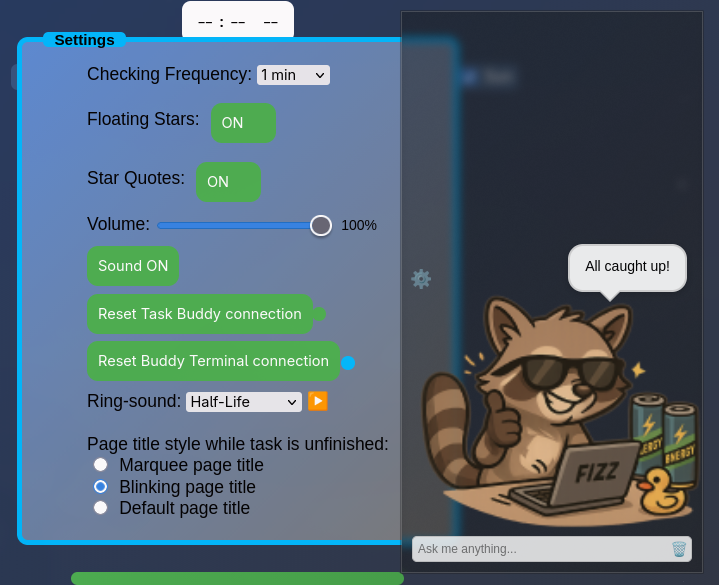
Connect Buddy to a local or cloud AI model to intelligently track your tasks.
It can remind you what needs to be done and help you stay focused throughout the day.
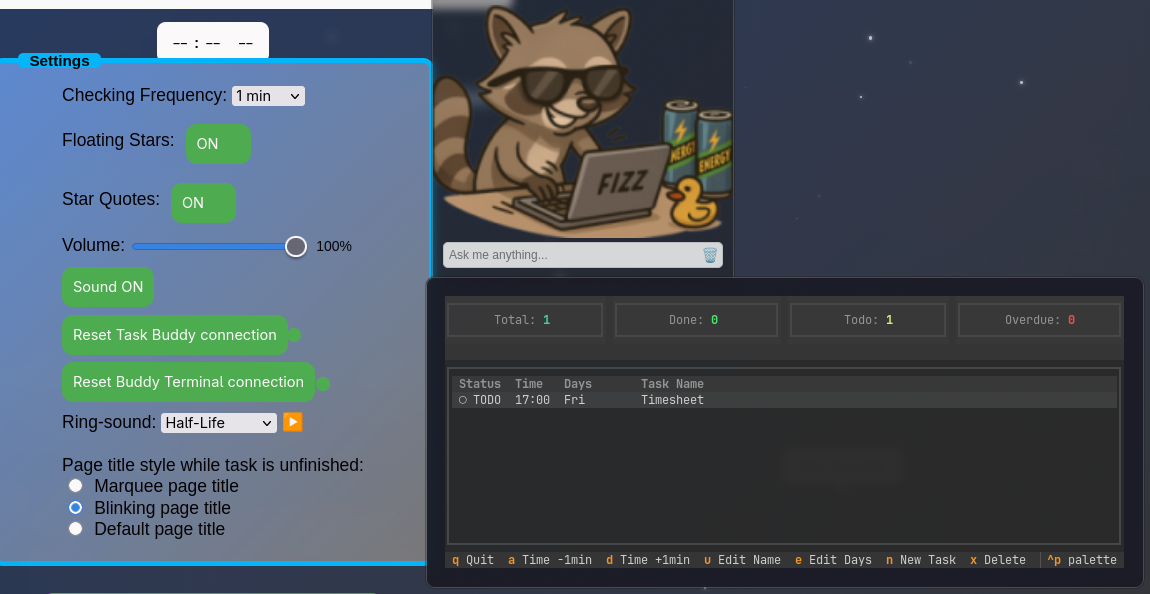
Buddy in terminal
No need to switch back to your browser, manage your tasks directly from the terminal.
Quickly create, update, or complete tasks without breaking your workflow.
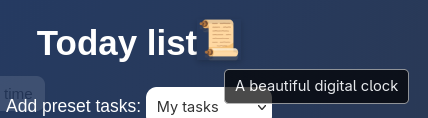
A beautiful clock
A simple, beautiful clock designed for your extra screen.
Perfect for keeping track of time while staying focused on your tasks.(hidden under the icon)
Replay Telegram Notifications
Mark tasks as done directly from Telegram by simply replying “Done” to a notification.
Stay productive and keep your tasks updated even when you’re away from your desk.
New Feature: Task Management
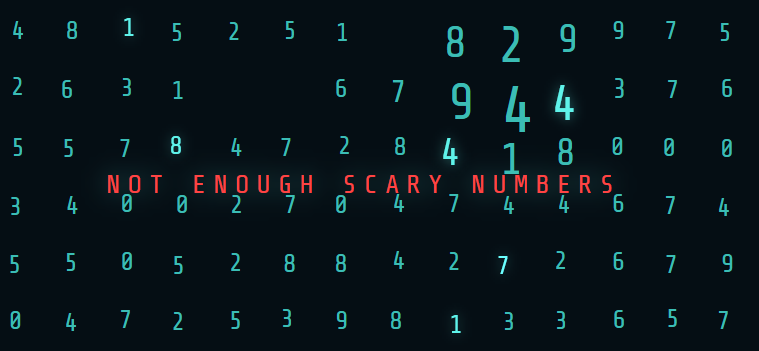
Join Macrodata Refinement at Lumon Industries and enjoy a calm, focused workflow. Collect 4 scary numbers - support multiple employees.
JOIN!
i
This application uses localStorage.
Your data remains private, stored only in your browser and never sent to any server.
Explore my game, Calcullo!, or try my local AI chat interface (requires Ollama),
DeepSeek AI !
Check out my productivity-boosting browser extensions at
Extensions.
Download Task Buddy from Task Buddy
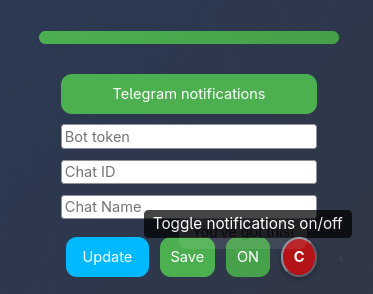
Telegram Notifications Setup
Telegram notifications
You need two values Bot token and Chat ID.
Getting the Bot Token
Launch the Telegram app on your phone, computer, or web browser.
In the search bar, type @BotFather and press Enter.
Select the official BotFather account (the one with a checkmark).
Click “Start” at the bottom of the chat to begin.
Type /newbot and send it to create a new bot.
Give your bot a name (e.g., TaskNotifier).
Choose a unique username ending in bot (e.g., @TaskNotifierBot).
When that’s accepted, BotFather will give you your bot token.
That long number will go to the first input Bot token
Send at least one message to your new bot so it’s “activated.”
Getting the Chat ID
In Telegram’s search, find and start @GetIDsBot.
Send it any message (e.g., “Hi”).
The bot will reply with your numeric Chat ID.
That going to the second input Chat ID
Buttons
Use – apply these values only for the current session
Save – persist credentials to localStorage
(saving to localStorage may be insecure)
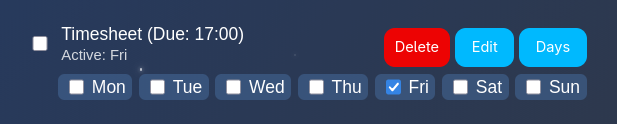

We've completely redesigned the task management system. Now you can organize your tasks more efficiently with presets and active day selection.